Web Installer
Beginner path for a fresh Veldriq 1.0.0 install. After the package is on the server and Composer packages are installed, open /install in the browser. This wizard is not an updater. Do not run it on a site that already has a platform administrator.
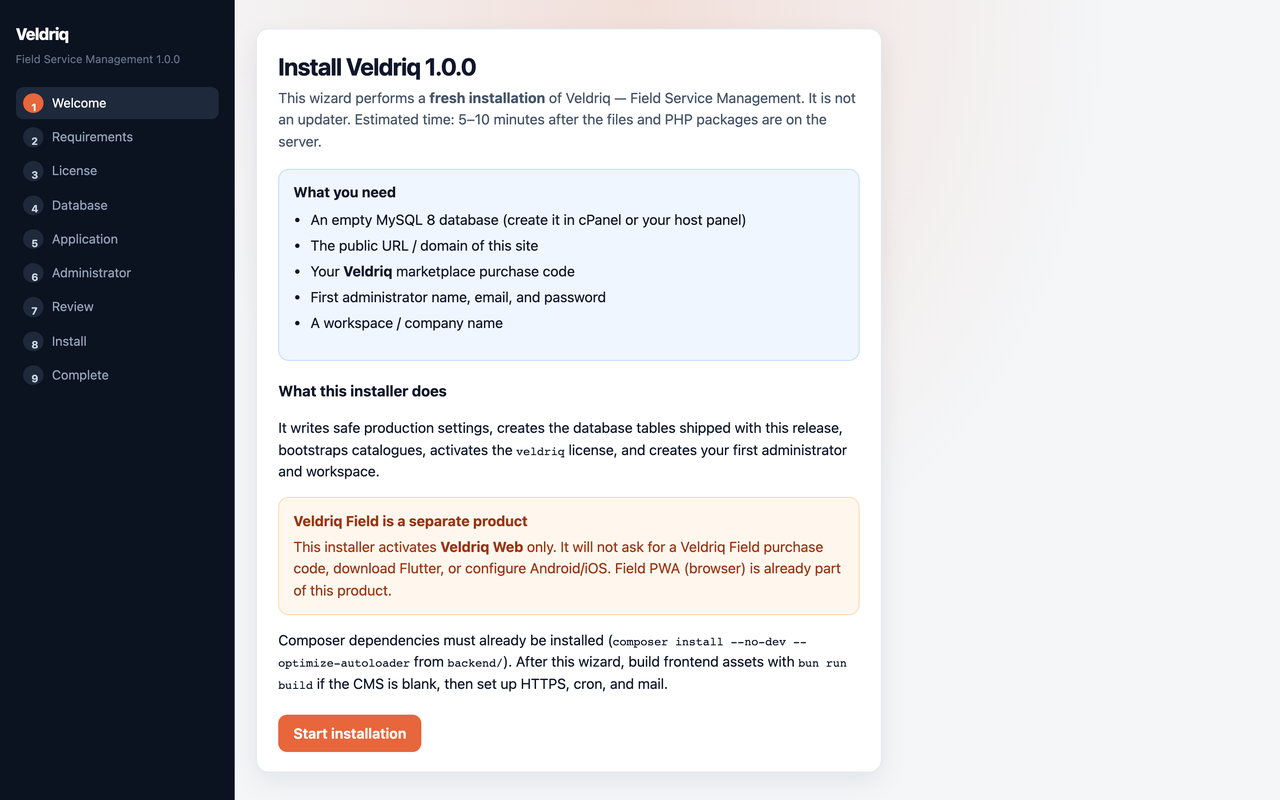
Install Veldriq 1.0.0. Fresh sites only.
The two paths (Web Installer vs CLI) share SystemBootstrap, TenantBootstrap, and the first-administrator installer. They are not identical: CLI does not write .env, does not migrate, and does not activate the license.
Before you open /install
Section titled “Before you open /install”- Server prerequisites — see Requirements.
- Upload and extract the ZIP —
backend/anddocumentation/at the package root. - Document root →
backend/public. - From
backend/:composer install --no-dev --optimize-autoloader. - Open
https://your-domain.example/install. You should see Install Veldriq 1.0.0 and Start installation.
If that URL is 404, 403, 500, or already locked, stop. See Installer troubleshooting.
Wizard order
Section titled “Wizard order”- Welcome
- Requirements
- License (stores the Veldriq purchase code for this session)
- Database
- Application
- Administrator (first admin, first workspace, currency)
- Review
- Complete — then sign in at
/login
The wizard writes .env, generates APP_KEY as designed, migrates, bootstraps tenant/platform, and creates the first administrator.
Next: First administrator · License · Post-install checks.